
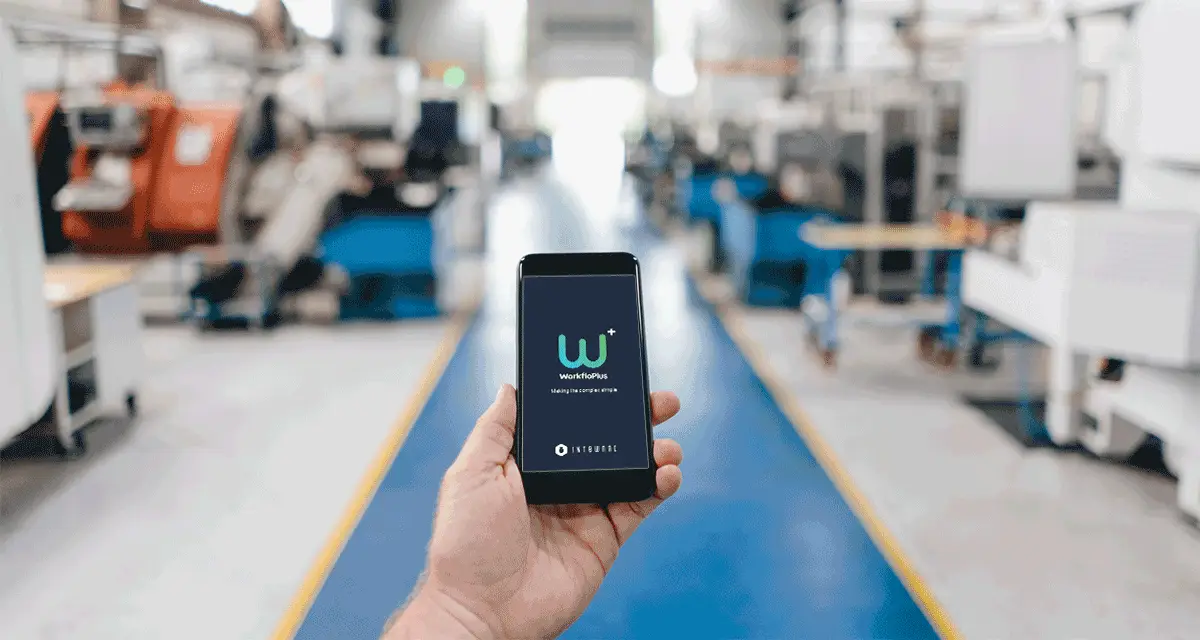
Do you have standard operating procedures in place, but still need to ask questions before you can be sure how a job was completed?
The procedure explains the method. The completed form confirms the job is done. Yet a missing reading, an unclear note or a photograph saved elsewhere can leave you looking for more detail.
Digital SOPs bring instructions and evidence together. People follow the agreed steps and capture the information you need during the task. You get a clearer picture of the work, with less paperwork to chase afterwards.
What are digital SOPs?
Digital standard operating procedures, or digital SOPs, are procedures you manage and access electronically.
Interactive digital SOPs also guide people through the work. Alongside each instruction, they can show an image or video and ask for a reading, photograph or confirmation.
In manufacturing, that could mean guiding a machine setup, checking an assembly or working through a production changeover.
A PDF makes your procedure available on a screen. An interactive SOP connects the guidance with the checks and information needed to complete the job.
You can explore the topic in more detail in our guide to digital SOPs and digital work instructions.
Make the agreed method available on every shift
You may already have a well-established way of working. The difficulty is keeping it consistent when people change shifts, cover unfamiliar equipment or pick up a task they have not done for a while.
A revised setting might be clear to one shift but still need explaining to another. An experienced operator might know a useful detail that never made it into the written procedure.
Digital work instructions give people a shared reference during the task. The relevant steps, images and checks sit together, so there is less need to search elsewhere or rely on memory.
When the method changes, you can update the instructions centrally and publish the revised version.
That gives you a more consistent basis for the work, whoever is carrying it out.
Bring more clarity to setups and changeovers
A setup or changeover involves details that matter once production begins. If a problem appears later, you may need to understand how the equipment was prepared and which checks were completed.
With digital SOPs, you can bring the preparation steps, reference images and required settings into one procedure. Operators enter readings and confirm checks as they go.
The information then stays with the completed job report. You have something concrete to review when investigating an issue or checking what happened on an earlier shift.
It also helps someone taking over the work understand any problems raised during the task.
Put useful guidance beside assembly and inspection steps
Some details are much easier to show than describe.
A reference photograph can clarify a component position. An image of acceptable wear can help explain an inspection criterion. A short video can demonstrate a technique that takes several paragraphs to describe.
Digital instructions place that information beside the relevant step.
Where you need evidence, people can capture it while the work is still visible. That might be a photograph before an assembly is closed or a measurement taken during a quality check.
If someone finds a defect, they can add notes and an image while it is in front of them. The person reviewing the issue has useful context without first having to track down an explanation.
Keep practical experience within reach
Your experienced colleagues often know more about a task than the procedure contains.
They know which parts are easy to confuse, what needs a second look and when a result should be questioned. Capturing those details makes the instructions more useful for everyone.
By involving them in creating digital SOPs, you can turn their knowledge into guidance others can use. Their explanation becomes part of the relevant step, supported by an image or video where it helps.
New starters have a reference as they learn. People moving between tasks can check unfamiliar details. Experienced operators can refer back to instructions for work they perform less often.
Have the evidence ready when you need it
A quality query or audit can send you back to a job completed days or weeks earlier.
You might need a particular reading, confirmation that a check took place or a photograph showing the condition at that stage.
When those details are captured during the task, they are available in the completed job report. You spend less time gathering separate forms, messages and images to understand what happened.
With WorkfloPlus, readings, photographs, notes and signatures can become part of the job as it progresses. The report is ready when the work is finished, without extra admin to assemble it afterwards.
That gives you proof of work to support quality reviews, customer questions and audits.
See more of what happens between planning and completion
Your existing systems may already tell you what work is due and whether it has been completed.
There may still be questions about the individual tasks within it. Which settings were entered? What did an inspection find? Was an issue raised during maintenance?
WorkfloPlus provides a work execution layer alongside those systems. It guides people through the activity and captures information at the point of work.
You can use completed job reports to review individual tasks. For deeper analysis across jobs, WorkfloPlus data can feed business intelligence tools such as Power BI.
This gives you more information to work with when you want to understand recurring problems or assess a change to the process.
Build on the procedures you already have
Moving to digital SOPs does not have to mean rewriting every procedure at once.
You may have one inspection that generates too much paperwork or a setup that repeatedly needs clarification. That gives you a useful place to try the approach.
In WorkfloPlus, you can build instructions in the editor or use AI-assisted document import to prepare a draft from an existing SOP. Someone who knows the process can review it, add practical details and check it before publication.
People can then follow the instructions on mobile, tablet, desktop or supported RealWear devices, depending on the task.
Trying it during real work helps you see what needs adjusting. You can review the wording, images and required responses with the people using them, then refine the instructions before extending the approach.
Frequently asked questions about manufacturing digital SOPs
What is the difference between an SOP and a work instruction?
An SOP sets out a procedure, including its scope, responsibilities and controls. A work instruction explains how to carry out a particular task in detail. Digital work instructions can guide someone through the practical steps within your SOP.
Can you use your existing SOPs?
Yes. Your current procedures provide a starting point. You can turn them into digital steps, add supporting images and include the checks or evidence you need during the job.
Do digital SOPs support compliance?
They can help you share controlled instructions and collect evidence of completed work. Your procedures still need to reflect the relevant requirements, with appropriate training and oversight in place.
Can AI help create the instructions?
AI-assisted document import can help prepare a draft from an existing SOP. Someone who understands the task should review the content and add any practical knowledge the original document leaves out.
See how it could work with your standard operating procedures
If you have a setup, changeover or inspection you would like to make easier to follow and report on, we can show you how it could work in WorkfloPlus.
Bring an existing procedure to the conversation. We can explore how to guide the task, capture the information you need and have the report ready when the job is finished.
Book a demo to explore your manufacturing process with us.